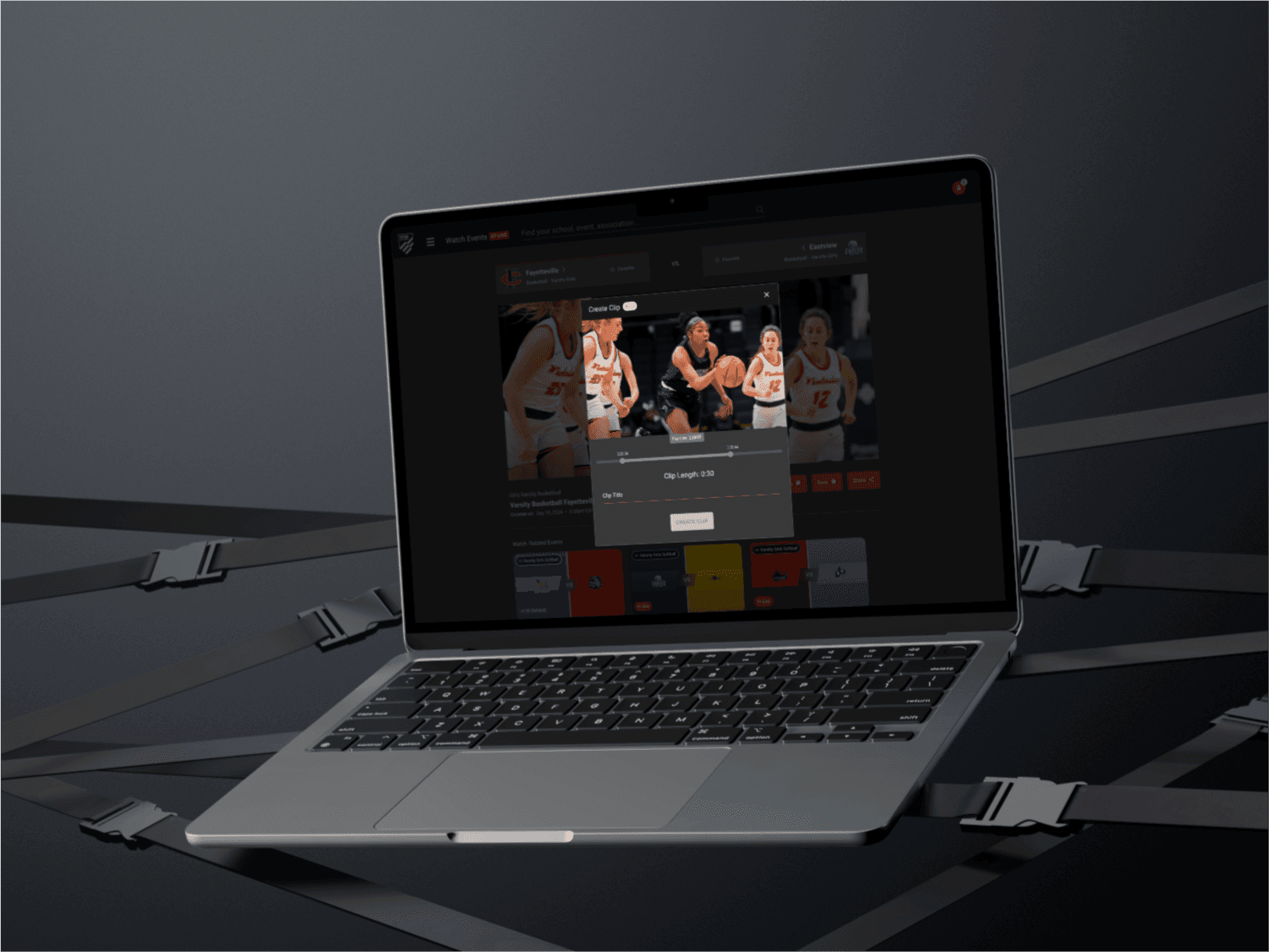
The NFHS Network lacked a centralized, user-friendly space where fans could easily revisit, organize, and share the clips they created. The existing interface made it difficult for users to engage with their saved content. I worked to create a comprehensive Clips Library that addresses these pain points, enabling users to manage and share their highlights effortlessly. This project is still a work in progress, with ongoing enhancements.
My Approach
We set out to design a clips library that organizes saved highlights clearly, making it easy for users to identify, revisit, and share their favorite moments. The focus was on clean layout, intuitive navigation, and providing quick access to key information such as event metadata, team, and game details.
Vision and Innovation
The vision for the Clips Library was to provide a personalized, organized space for users to easily access their clips. The new design integrates visual clarity with functional simplicity, featuring organized tables and easy access to key metadata. The end goal was to enable users to quickly find clips based on details like game name, team, and date, with sharing options readily available.
Identifying Unique Challenges
One challenge was how to clearly distinguish between different types of clips, as users may have clips from multiple sports or events. Ensuring that users could filter through and find clips without feeling overwhelmed by an overload of information was crucial. Another challenge was presenting the metadata in a way that remains easy to read on both desktop and mobile.
Resolving Complex Problems
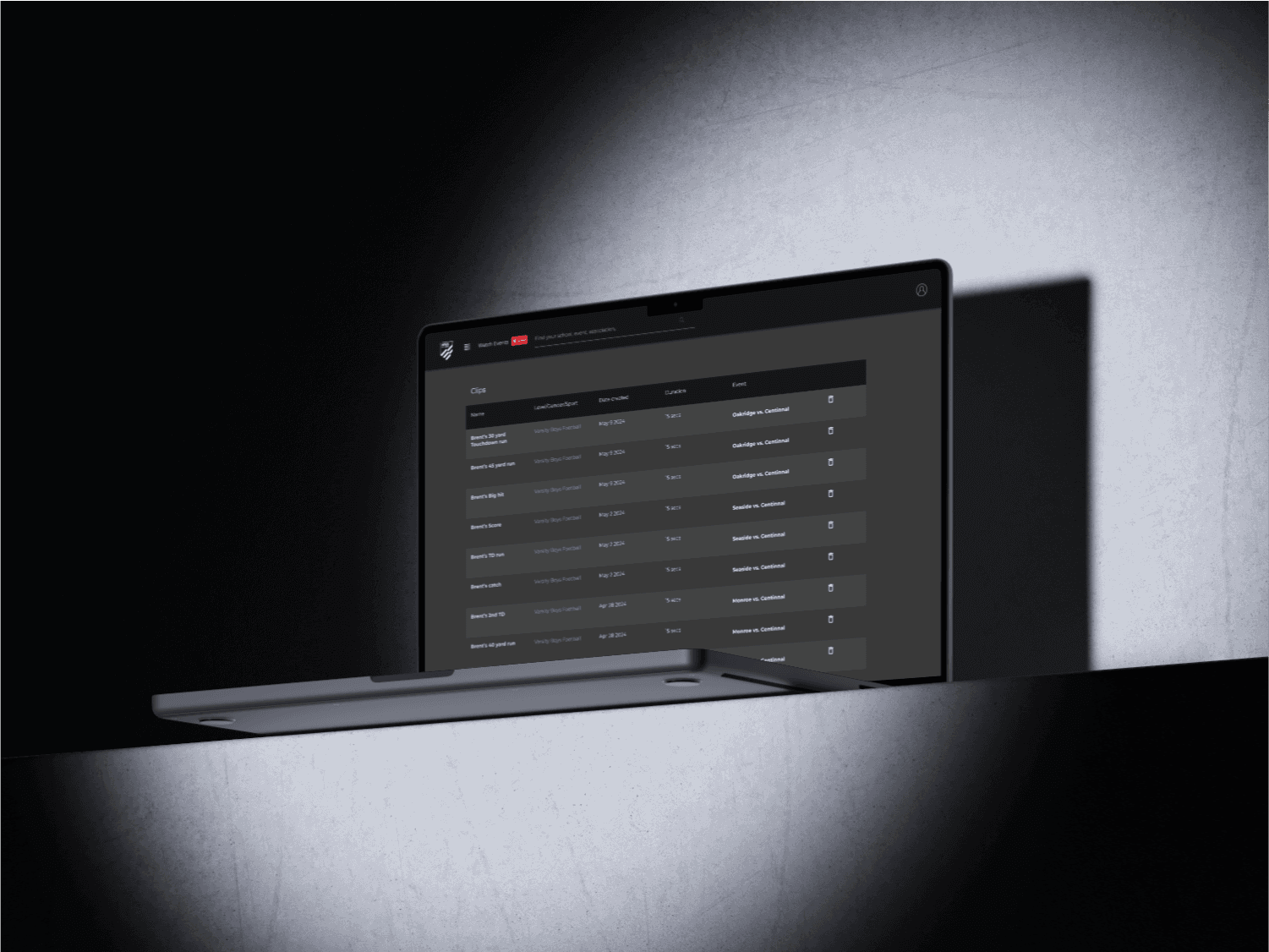
To overcome this, we opted for a structured table format that presents each clip’s name, level, gender, sport, event, and duration in distinct columns. Users can instantly identify the content through this well-organized table layout, which also includes sorting and filtering features. Additionally, we explored adding a “quick action” feature, such as the ability to delete or share clips directly from the table, enhancing the overall experience.
User-Centric Design
The Clips Library was designed with the user’s ease in mind. The structure is simple, with each clip’s most relevant details—such as event names, teams, and the date it was captured—readily available. This reduces the need for users to click through multiple pages to find key information. A pagination system was also introduced to break up larger collections of clips for easier browsing.
Meeting User Needs
We aimed for a highly responsive design that works equally well across devices. The sharing feature is a single-click option, allowing users to generate shareable links for each clip with ease. The new layout not only simplifies content discovery but also encourages users to re-engage with their saved highlights and share them with friends and fellow fans.
Detailed Pages and Features
Clips Library Table: A central hub that displays all saved clips in a structured table format, complete with metadata like event name, team, level, and duration. Users can sort and filter clips by criteria such as date or team for easy navigation.
Quick Actions: Each clip has quick action buttons for sharing or deleting directly from the library, streamlining the interaction.
Pagination: Enables users to browse their clips in manageable sets, improving loading times and overall usability for users with large collections.
Metadata Tags: Each clip displays essential information such as the teams involved, event name, and date, ensuring users can easily identify the content.
Filter and Sorting Options: A built-in filtering feature allows users to quickly search clips based on specific criteria like sport, event, or date.
Accessibility and Optimization
The Clips Library is fully A11y optimized, with keyboard navigation and screen reader compatibility to ensure all users can easily access and manage their clips. The library layout is responsive, adapting smoothly to different screen sizes and device types, whether desktop, tablet, or mobile. Additionally, it is optimized for fast loading times, even for users with large clip collections. Every element is designed to be accessible and intuitive, enhancing the overall user experience.
Conclusion
By redesigning the Clips Library, we created a space where NFHS Network users can easily manage, revisit, and share their favorite moments. The new structure offers simplicity, quick access to important information, and a seamless sharing experience. As we continue improving the platform, the Clips Library will evolve with new features to further enhance user engagement and content management.